

Quickstart
Create an API token, make your first call and read a done plan's oil and gas curves.
This page takes you from no token to a done plan’s cumulative curves in three calls. You need a Novi login with access to Forecasts.
-
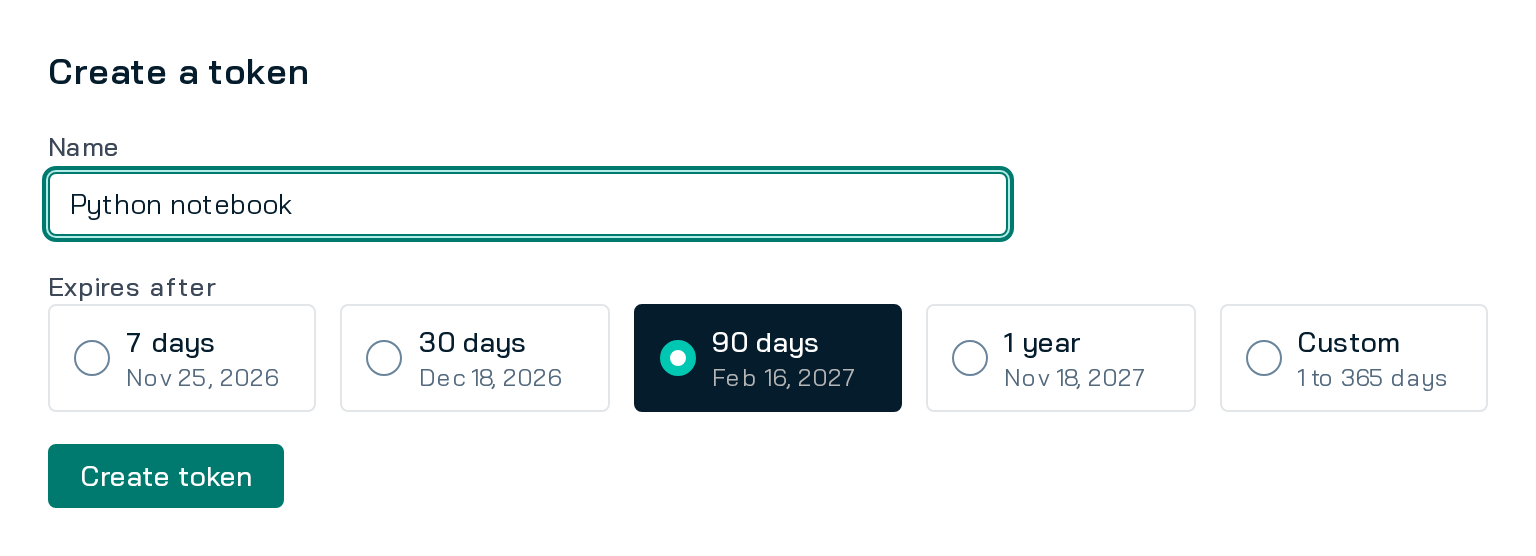
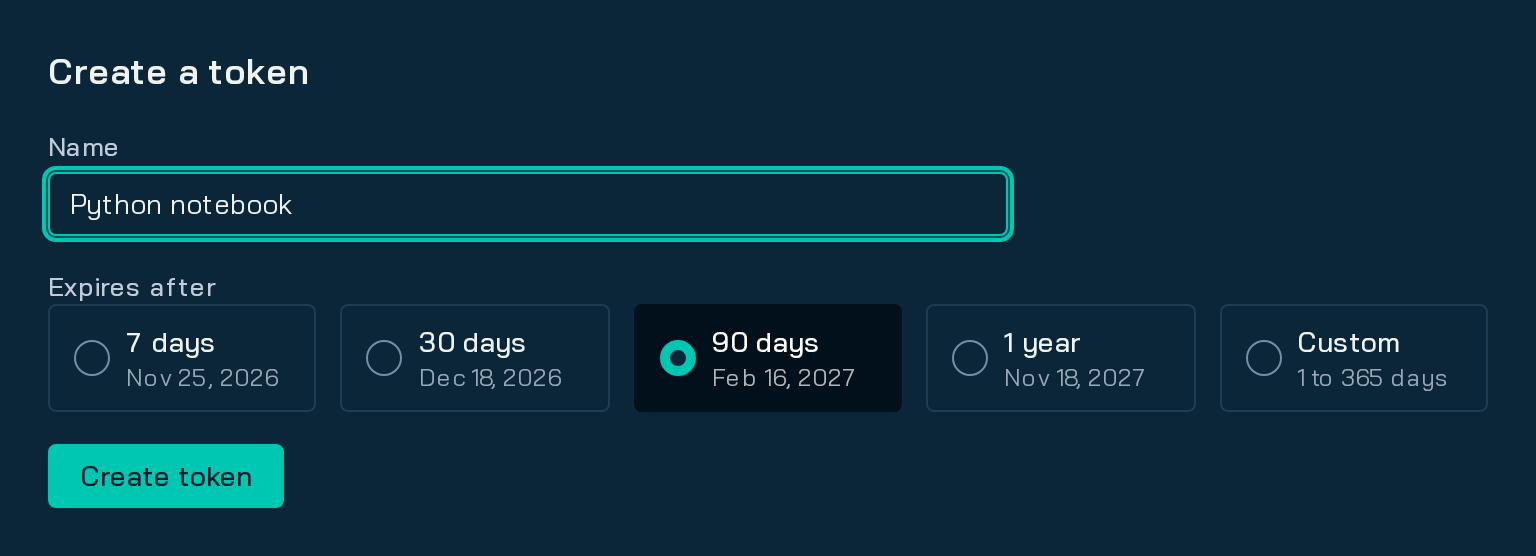
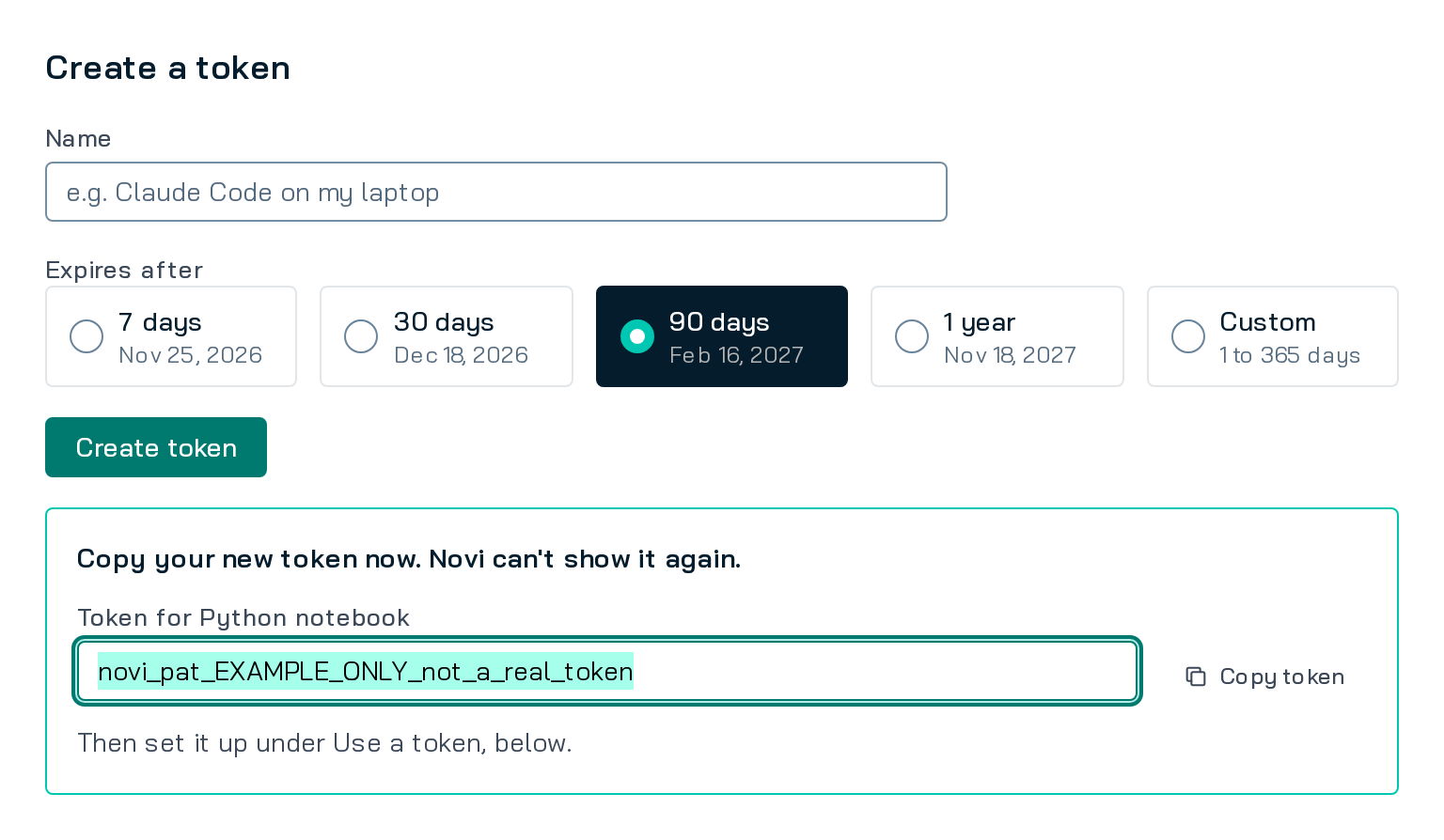
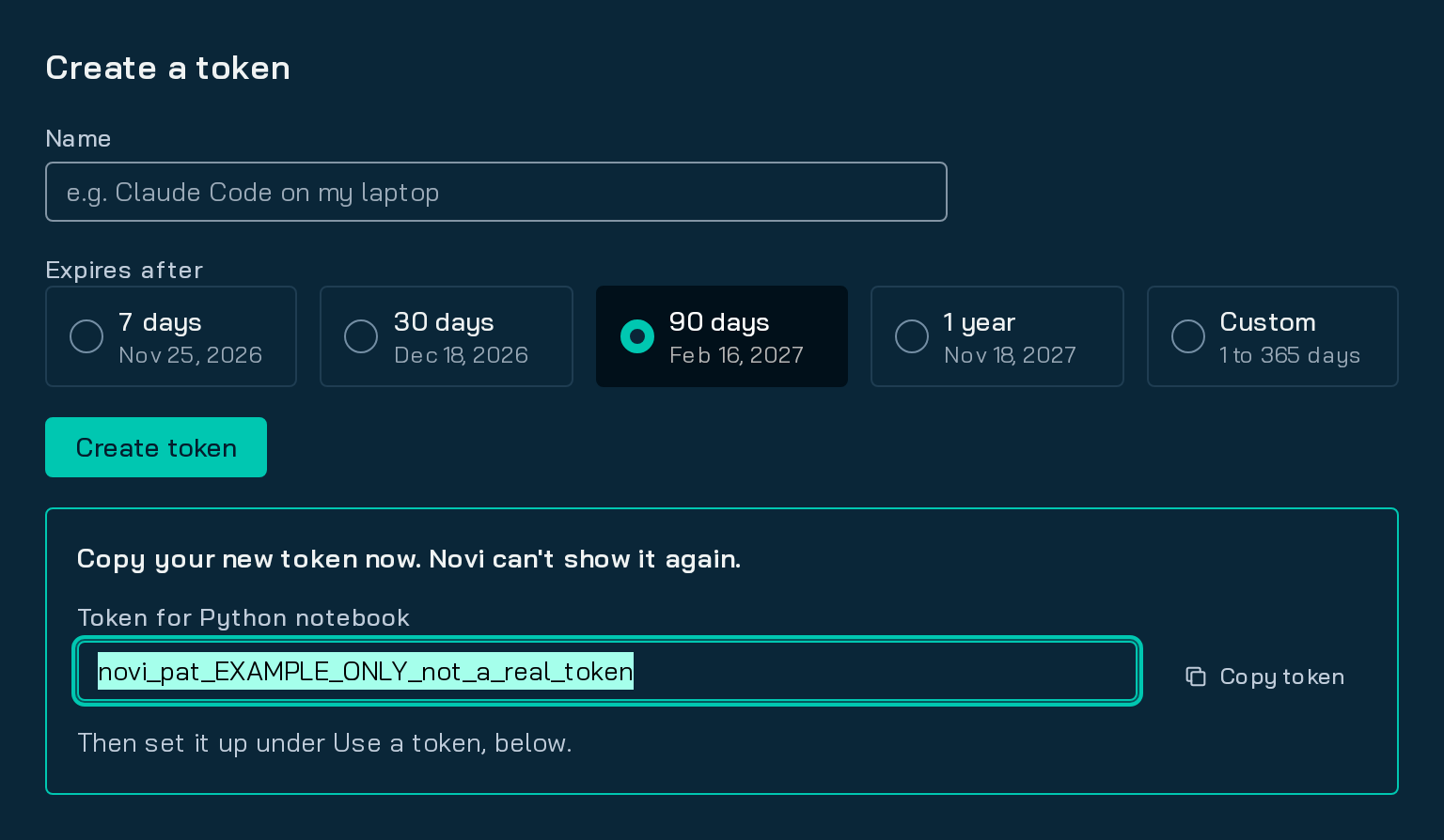
Create a token. In the Forecasts app, open Settings, then API tokens. Name the token, pick how long it lasts (7, 30 or 90 days, 1 year, or a custom 1 to 365 days; 90 is the default) and create it. Copy it now: Novi shows it only once.
If API tokens is missing from Settings, ask your company’s Novi administrator for the Access MCP permission.
-
Set your base URL and token. Use the host you sign in to Novi at.
Terminal window export NOVI_API_BASE="https://<your-company>.novilabs.io/forecasts/api/v1"# Paste the token at the prompt so it stays out of your shell history.read -rs NOVI_API_TOKEN && export NOVI_API_TOKEN -
Check who you are.
GET /meanswers with the account the token acts as.Terminal window curl -sS --fail-with-body \-H "Authorization: Bearer $NOVI_API_TOKEN" \"$NOVI_API_BASE/me"{ "tenant": "example", "user": { "id": "7", "email": "user@example.com" }, "role": "customer" } -
List your done plans.
origin=allincludes your Legacy Forecasts1 beside the plans made in Forecasts. Each row’sorigin.enginesays which:v2orfe.Terminal window curl -sS --fail-with-body \-H "Authorization: Bearer $NOVI_API_TOKEN" \"$NOVI_API_BASE/plans?origin=all&status=done&limit=5" -
Read a plan’s curves.
GET /plans/{id}/curvesreturns each well’s cumulative volume every 30 days, to its EUR on a plan made witheur: true:cum[m-1]is the cumulative at day 30·m, socum[11]is the volume to day 360.Terminal window PLAN_ID="<a plan id from the list>"curl -sS --fail-with-body --compressed \-H "Authorization: Bearer $NOVI_API_TOKEN" \"$NOVI_API_BASE/plans/$PLAN_ID/curves?limit=10"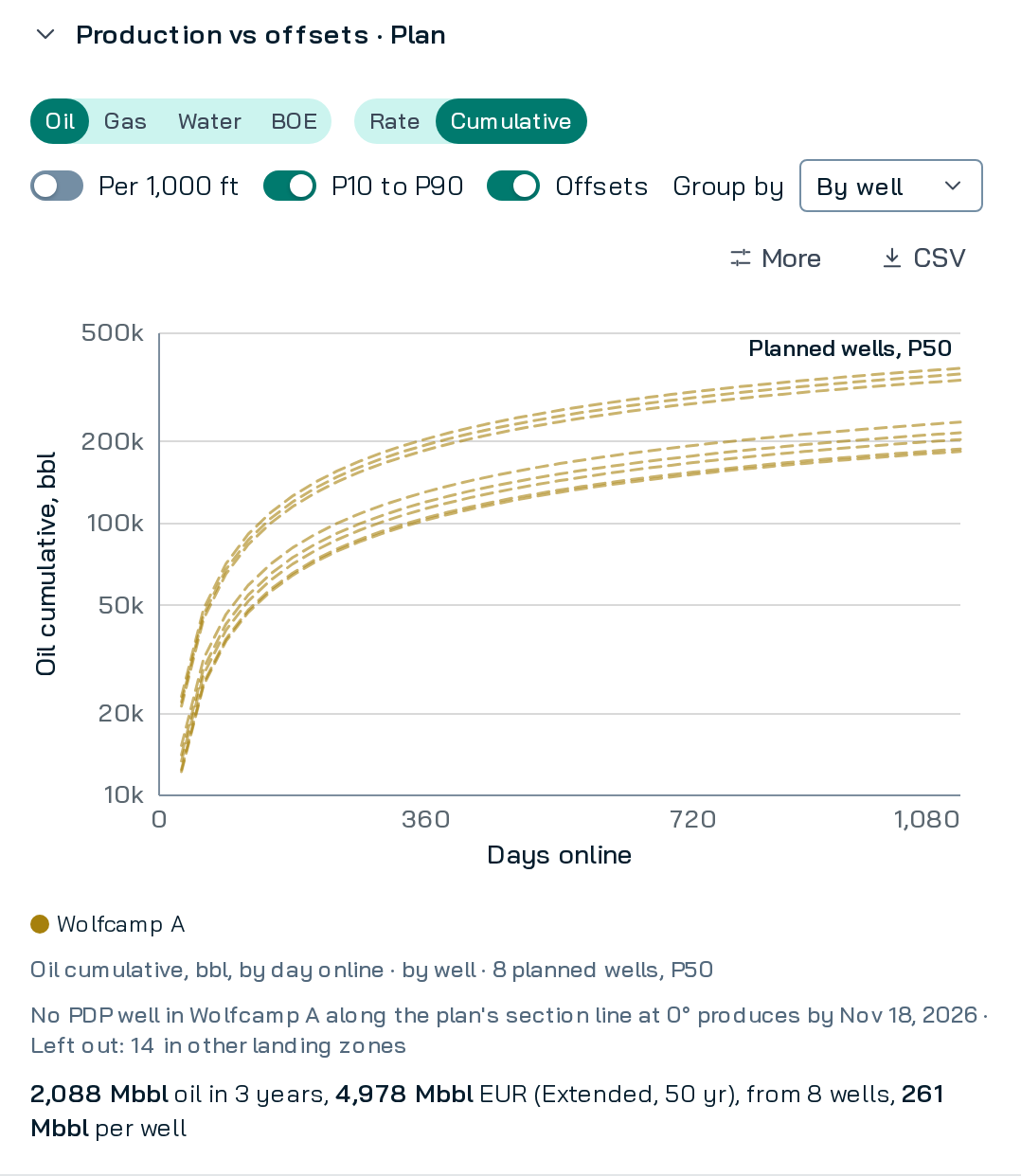
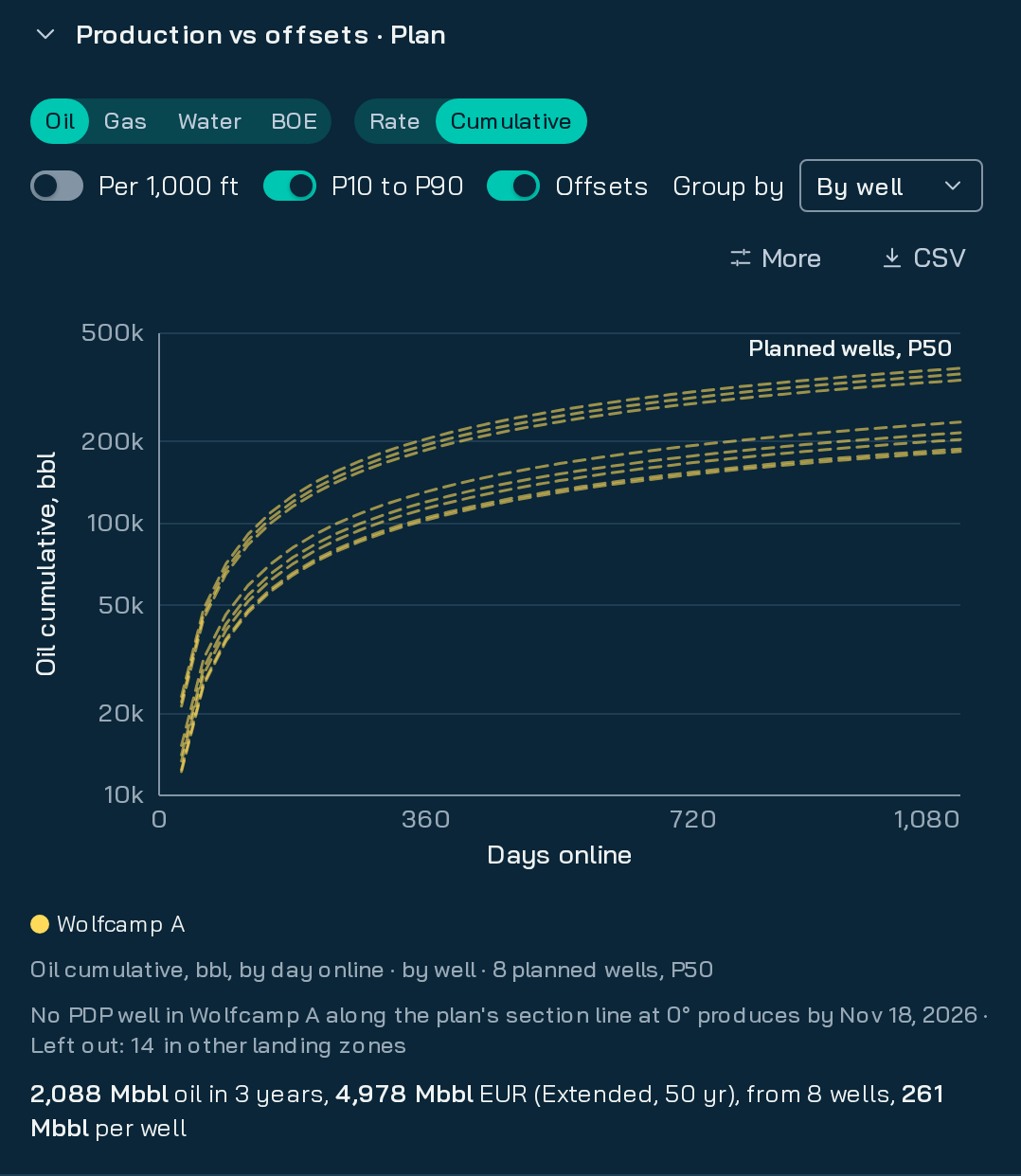
The plan's cumulative oil per well in the Forecasts app, first 3 years.
The same calls in code
Section titled “The same calls in code”import os
import requests
BASE = os.environ["NOVI_API_BASE"]session = requests.Session()session.headers["Authorization"] = f"Bearer {os.environ['NOVI_API_TOKEN']}"
def get(path, **params): r = session.get(f"{BASE}{path}", params=params, timeout=60) r.raise_for_status() return r.json()
print(get("/me"))
plans = get("/plans", origin="all", status="done", limit=5)["plans"]for plan in plans: print(plan["id"], plan["name"], plan["origin"]["engine"])if not plans: raise SystemExit("No done plans yet: run one in the Forecasts app or with POST /plans.")
plan_id = plans[0]["id"]params = {"limit": 100}while True: page = get(f"/plans/{plan_id}/curves", **params) for well in page["wells"]: oil = well.get("curves", {}).get("oil", {}).get("P50", {}) cum = oil.get("cum", []) if len(cum) > 11 and cum[11] is not None: print(well["label"], "oil to day 360:", cum[11], "bbl") if page["next_cursor"] is None: break params["cursor"] = page["next_cursor"]const BASE = process.env.NOVI_API_BASE ?? '';const headers = { Authorization: `Bearer ${process.env.NOVI_API_TOKEN ?? ''}` };
async function get<T>(path: string, params: Record<string, string> = {}): Promise<T> { const url = new URL(BASE + path); for (const [key, value] of Object.entries(params)) url.searchParams.set(key, value); const res = await fetch(url, { headers }); if (!res.ok) throw new Error(`${res.status} ${await res.text()}`); return (await res.json()) as T;}
type PlanList = { plans: { id: string; name: string | null; origin?: { engine: string } }[]; next_cursor: string | null;};type Curve = { cum?: (number | null)[]; error?: string };type CurvesPage = { wells: { label: string; curves?: { oil?: { P50?: Curve } } }[]; next_cursor: string | null;};
async function main() { console.log(await get('/me'));
const { plans } = await get<PlanList>('/plans', { origin: 'all', status: 'done', limit: '5' }); for (const plan of plans) console.log(plan.id, plan.name, plan.origin?.engine); if (plans.length === 0) throw new Error('No done plans yet: run one in the Forecasts app or with POST /plans.');
const params: Record<string, string> = { limit: '100' }; for (;;) { const page = await get<CurvesPage>(`/plans/${plans[0].id}/curves`, params); for (const well of page.wells) { const cum = well.curves?.oil?.P50?.cum ?? []; const day360 = cum[11]; if (day360 != null) console.log(well.label, 'oil to day 360:', day360, 'bbl'); } if (page.next_cursor === null) break; params.cursor = page.next_cursor; }}
main().catch(err => { console.error(err); process.exit(1);});The TypeScript runs on Node 18 or later, which has fetch built in.
- Learn what each curve point means, and how Novi labels Low and High, in Forecasts and curves.
- Run your own plan in Plans and wells.
- Keep another tool in step with Partner sync.
Footnotes
Section titled “Footnotes”-
Legacy Forecasts are dynamic imports from Forecast Engine v1. ↩