

MCP server and Claude skill
Ask questions of Novi Forecasts from Claude, through the MCP server's 25 tools or the Claude skill.
Ask Claude about your forecasts in plain words and get the numbers and a chart, with where they came from. Use the MCP server’s 25 tools, or the Claude skill, which teaches Claude when to use each tool and how to chart the result.
| Surface | Status |
|---|---|
| Claude skill, for Claude Code | Available |
Hosted MCP server at / |
Preview |
| Claude Desktop extension | Preview |
How it works
Section titled “How it works”- Tools act as you. They read, or start a plan or an export;
save_forecast_sourcesaves a forecast file once you agree. No tool deletes. - Each answer carries its provenance: dataset, as-of date, models, request id and API version.
- The transport is Streamable HTTP.
| Tool | What it answers |
|---|---|
describe_ |
The dataset: basin, formations, as-of date, models and what they can do. Call it first |
find_ |
Existing wells by name, operator, formation, area or unit, filtered by ranges and sorted by any field |
well_ |
Counts of wells by operator, formation, county and other values, with each numeric field’s range and histogram |
get_ |
One well’s header, production, spacing and the model’s stored prediction against its actuals |
type_ |
A type curve from existing wells’ actual production: counts, mean and quantiles by day |
completion_ |
Default completion designs (fluid and proppant per ft) by formation |
forecast_ |
Forecasts for drawn wells, for one or more completion designs, with EUR |
explain_ |
The top drivers behind a forecast, per stream, against a typical well and its analogs’ production |
model_ |
What each model saw in training and how accurate it is on wells it never saw |
fill_ |
Parallel wells across a polygon at a given spacing and azimuth |
read_ |
Unit or lease boundaries from GeoJSON, a zipped shapefile or KML, each with a polygon to fill |
fill_ |
Wells of one lateral length over a file’s areas, areas that share an edge laid as one piece of land |
summarize_ |
What a unit holds: acres, existing wells by formation and operator, grid ranges and completions |
read_ |
Planned wells from a CSV or GeoJSON lines, ready to forecast, with why any rows were left out |
gun_ |
A cross-section of drawn and existing wells: spacing across, TVD and each formation’s top |
start_ |
Starts a plan that forecasts many wells; returns its id |
get_ |
A plan’s status, totals per design and per pad and zone, ranked wells, failed wells and nearby PDP wells |
list_ |
Your recent plans, or your team’s, newest first |
export_ |
Exports a done plan as files and returns a download link |
price_ |
Simulated half-cycle economics for well scenarios on a price deck |
compare_ |
Two plans, scenarios or designs, or a saved forecast source against a plan |
read_ |
Reads a booked forecast file without storing it, or lists and opens saved forecast sources |
save_ |
Saves a read forecast file as a forecast source, after asking you |
list_ |
The model sets the server serves |
get_ |
Units, the BOE ratio, the P-level convention and how to present results |
Two resources come with them: novi://conventions (the conventions as Markdown) and novi://dataset (the dataset
card describe_dataset returns).
Connect Preview
Section titled “Connect ”The endpoint is https://<your-company>.novilabs.io/forecasts/api/mcp. Signing in with your Novi login needs the Access
MCP permission, which your company’s Novi administrator grants.
- In Claude, open Settings, then Connectors, and add a custom connector with the endpoint URL. On a Team or Enterprise plan, an owner adds it first.
- Connect, and sign in with your Novi login.
Add the server, then run /mcp to sign in with your Novi login.
claude mcp add --transport http --scope user novi-forecasts https://<your-company>.novilabs.io/forecasts/api/mcpOr send an API token instead:
claude mcp add --transport http --scope user novi-forecasts https://<your-company>.novilabs.io/forecasts/api/mcp \ --header "Authorization: Bearer <your-token>"- Download
novi-forecasts.mcpbfrom the Forecasts app’s API page and open it in Claude Desktop to install it. - Set its Forecasts API base URL to
https://<your-company>.novilabs.io/forecastsand its Novi API token to a token from Settings, API tokens.
The extension runs the same tools on your computer with your token, and says when a newer version is out.
The Claude skill Available
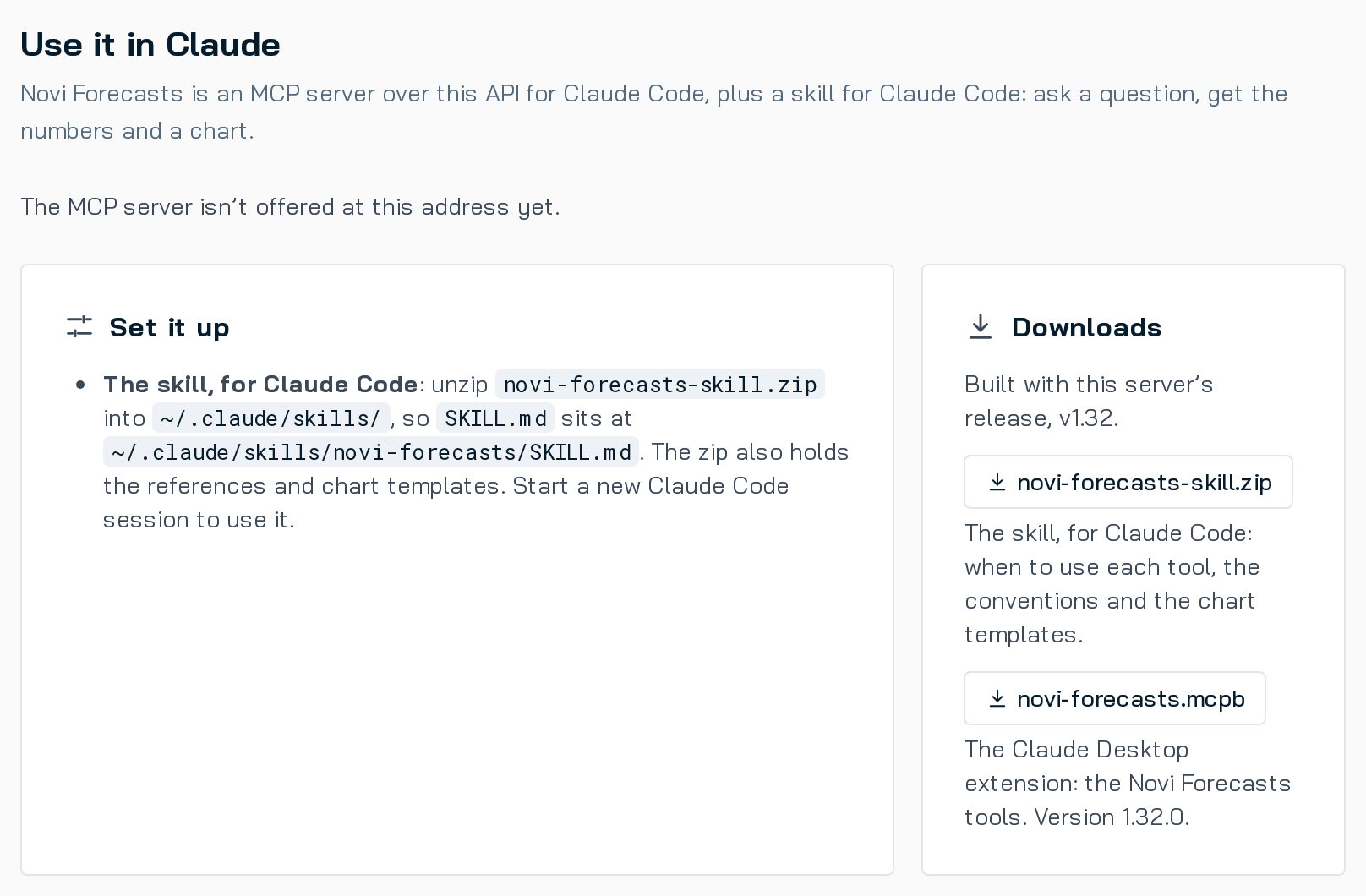
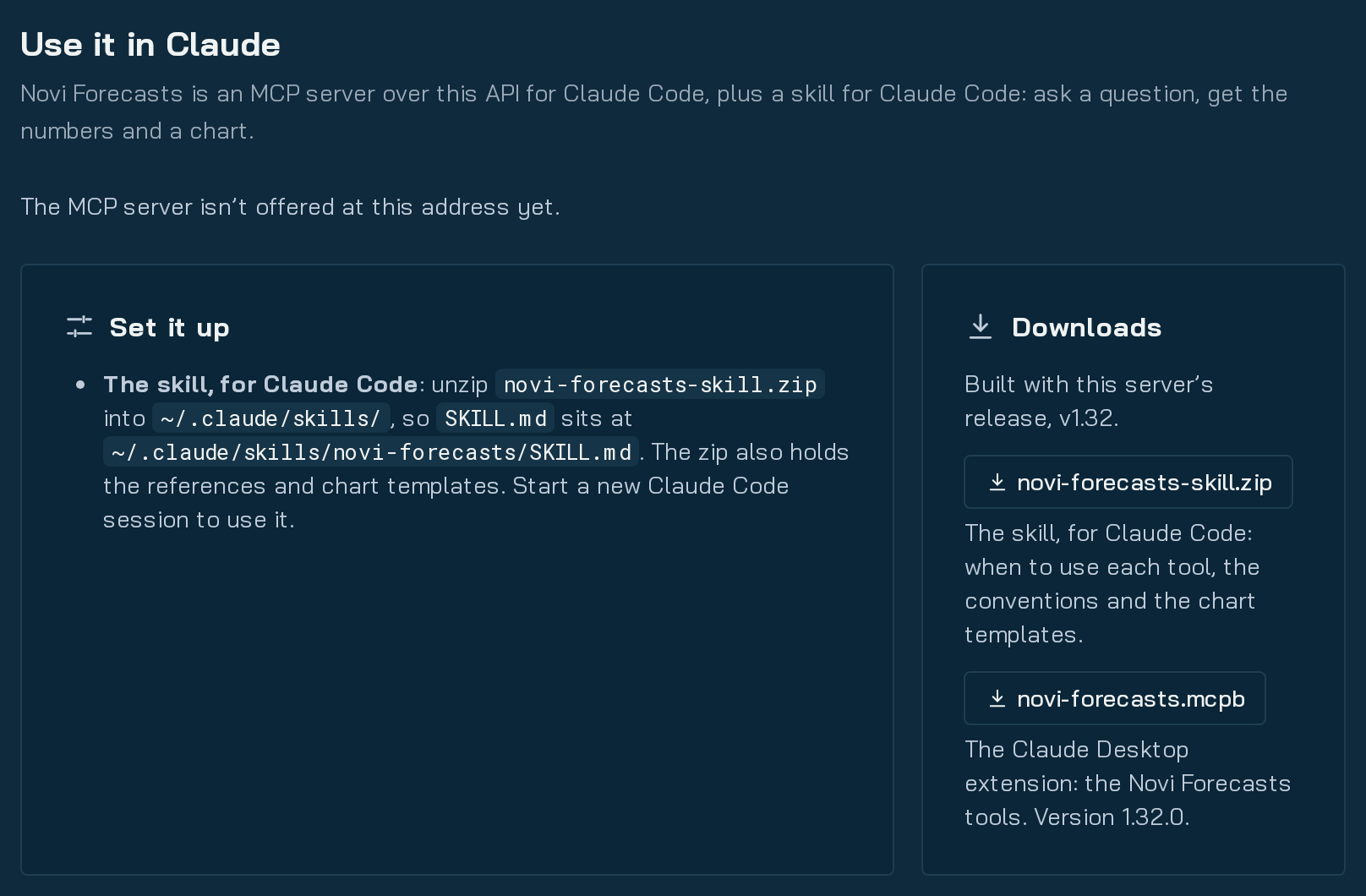
Section titled “The Claude skill ”The skill (novi-forecasts) is for Claude Code. It holds when to use each tool, the conventions, the field
dictionary, every export column and chart templates: type curve, cumulative, gun barrel, stick map, ranked table, plan
histogram and design delta.
- Download
novi-forecasts-skill.zipfrom the Forecasts app’s API page. - Unzip it so
SKILL.mdsits at~/.claude/skills/novi-forecasts/SKILL.md. - Start a new Claude Code session.
Without the MCP server, the skill answers from an attached export zip (the default export’s monthly volumes, EUR, wells
and designs), or calls the REST API with your token: reads and documented POST calls, never DELETE.
Your first question
Section titled “Your first question”Ask: What data is behind Novi Forecasts? Claude names the dataset and its as-of date, and whether forecasts carry Low and High bands. Then try a type curve, a spacing question or a plan.