

Exports
Write a done plan's tables to a zip as CSV and Parquet, or as ARIES, ComboCurve and Val Nav import files.
Exports run as queued jobs. To read curves straight into code, see Forecasts and curves.
Presets
Section titled “Presets”GET /export-formats?plan=<id> lists every table, column, option and preset, and which the plan can take, with the
reason when it can’t.
| Preset | What the zip holds |
|---|---|
engineer (default) |
Monthly volumes to EUR, EUR per well, wells and designs |
monthly |
Monthly volumes to EUR, EUR per well and wells |
plan_ |
Wells, designs, neighbors, model inputs, subsurface values and cumulative volumes by day |
arps |
Arps segments per well, design and stream, with EUR per well |
eur |
EUR per well and design |
drivers |
Each model input’s contribution to each forecast (SHAP values) |
economics |
NPV, capex, IRR and payback per well, pad and plan |
aries |
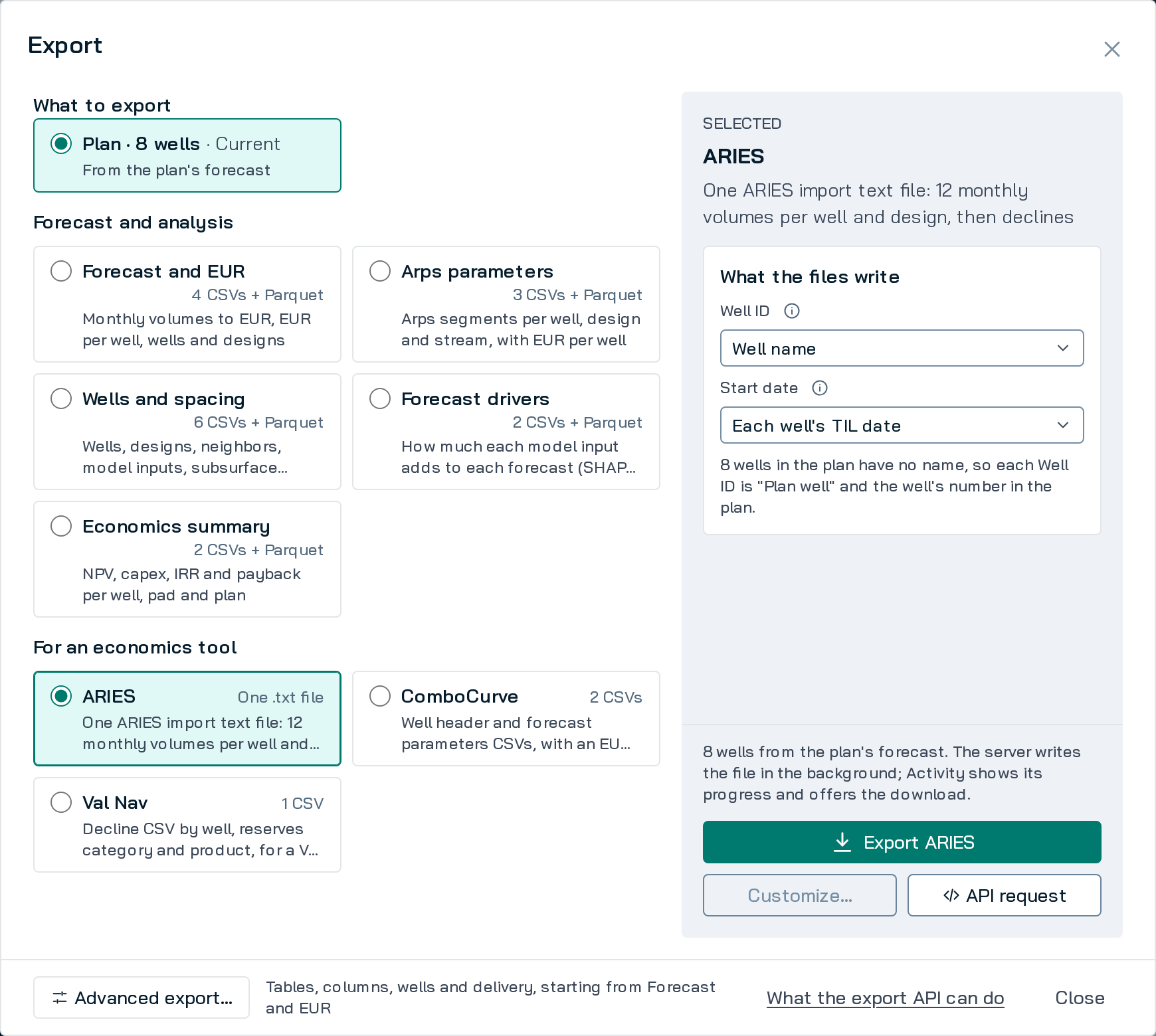
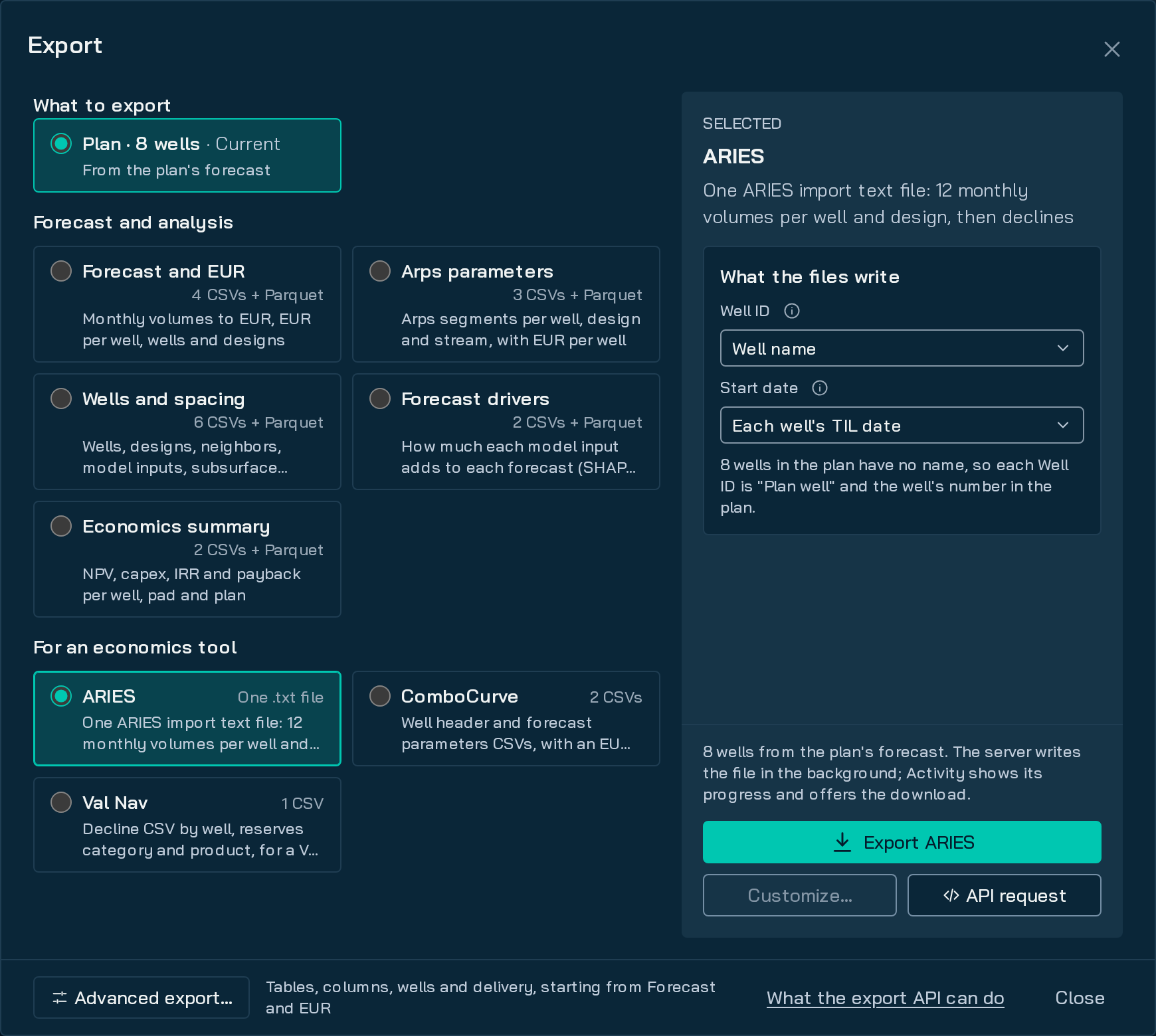
One ARIES import file: 12 monthly volumes per well and design, then declines. No Parquet |
combocurve |
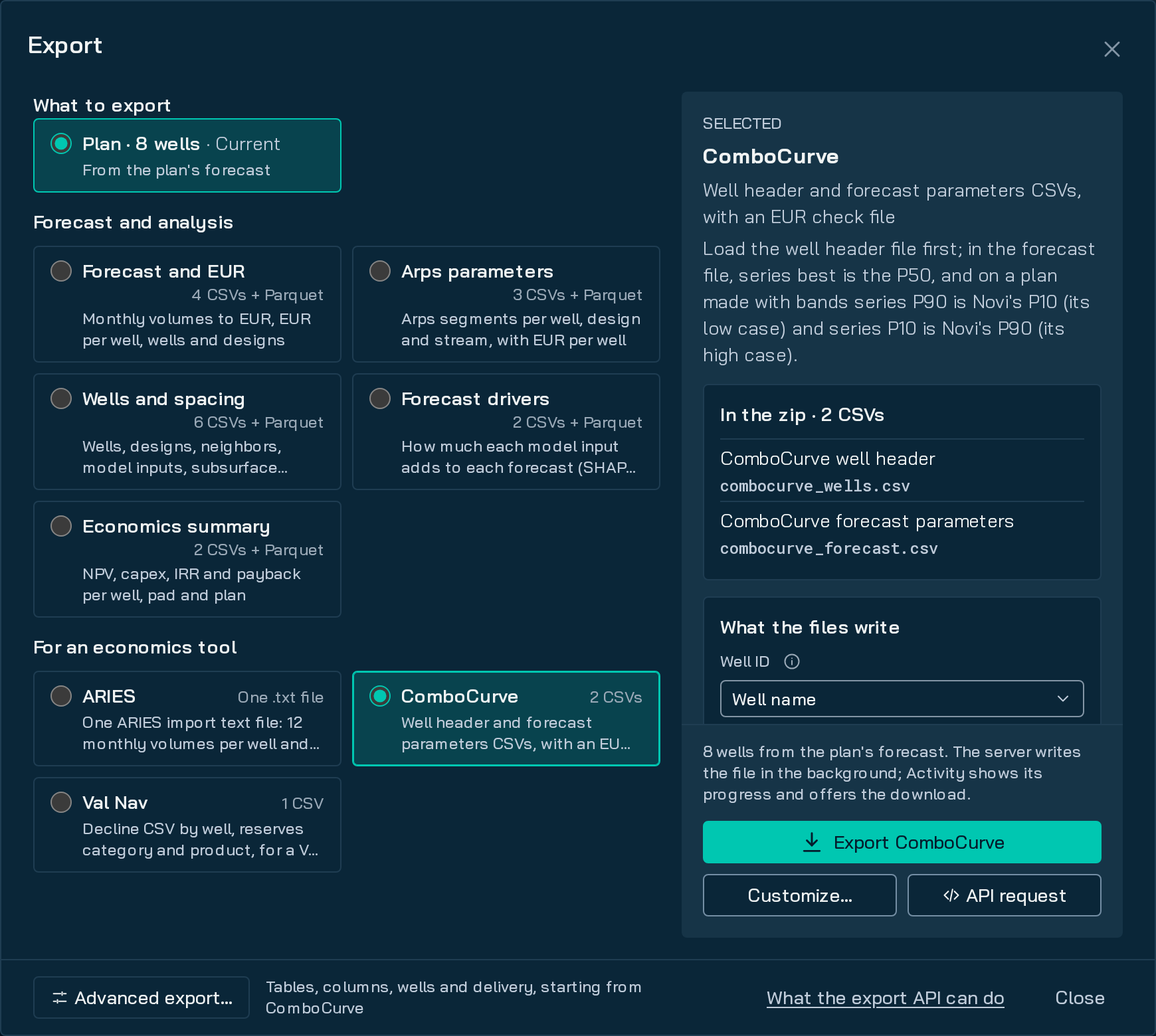
Well header and forecast parameters CSVs, plus eur_ |
valnav |
A decline CSV by well, reserves category and product, in imperial units, plus eur_ |
Send preset or tables (with each table’s options), not both. wells, designs and streams narrow every table.
Run an export
Section titled “Run an export”curl -sS --fail-with-body -X POST \ -H "Authorization: Bearer $NOVI_API_TOKEN" \ -H "Content-Type: application/json" \ -d "{\"source\": {\"plan\": \"$PLAN_ID\"}, \"preset\": \"combocurve\", \"identity\": {\"well_id\": \"uid\"}}" \ "$NOVI_API_BASE/exports"
# The answer has the export's id.EXPORT_ID="<the id from the response>"
# Wait for it: each call returns when the status changes, or after 25 s.curl -sS --fail-with-body \ -H "Authorization: Bearer $NOVI_API_TOKEN" \ "$NOVI_API_BASE/exports/$EXPORT_ID?wait=25"
# Download, resuming a partial file with -C -. -L follows a redirect to the signed copy.curl -sS --fail-with-body -L -C - -o export.zip \ -H "Authorization: Bearer $NOVI_API_TOKEN" \ "$NOVI_API_BASE/exports/$EXPORT_ID/file"import osfrom urllib.parse import urljoin
import requests
BASE = os.environ["NOVI_API_BASE"]PLAN_ID = os.environ["PLAN_ID"]session = requests.Session()session.headers["Authorization"] = f"Bearer {os.environ['NOVI_API_TOKEN']}"
r = session.post(f"{BASE}/exports", json={ "source": {"plan": PLAN_ID}, "preset": "combocurve", "identity": {"well_id": "uid"},}, timeout=60)r.raise_for_status()export = r.json()
while export["status"] in ("queued", "running"): r = session.get(f"{BASE}/exports/{export['id']}", params={"wait": 25}, timeout=60) r.raise_for_status() export = r.json()
if export["status"] != "done": raise SystemExit(f"Export {export['status']}: {export['error']}")
# file.url is a path on your host; requests drops the token if it redirects to another host.url = urljoin(BASE, export["file"]["url"])with session.get(url, stream=True, timeout=600) as download: download.raise_for_status() with open(f"{export['id']}.zip", "wb") as f: for chunk in download.iter_content(chunk_size=1 << 20): f.write(chunk)print("saved", f"{export['id']}.zip", export["file"]["bytes"], "bytes")POST /exportsreturns the export and itsLocationat once. The same request for the same plan returns the existing export, withreused: true.status:queued,running, thendone,errororcancelled;expiredonce the file is removed.progressgives the step, share done, rows and bytes.- When done,
filehasname,bytes,sha256,url(a path on your host) andexpires_at. - Downloads resume with
RangeandIf-Range. One may redirect to a signed copy that works for 15 minutes: follow it without your token, as curl 7.58 and later and Pythonrequestsdo. - Files are kept for
limits.ttl_hours(Limits); then run the export again. DELETE /exports/{id}cancels a queued or running export, or removes a finished one.
What’s in the zip
Section titled “What’s in the zip”- One CSV per table. By default, fixed-schema tables also come as Parquet under
parquet/, with Snowflake and Databricks load scripts.GET /export-formatssays which;parquet: falseleaves it out. manifest.json(the request and settings) andREADME.txt(every table and column).- On a plan made with bands,
p_levels: ["P50", "P10", "P90"]adds Low (P10) and High (P90) rows after each Mid (P50) row. Otherwise the export is Mid only.
Files for other tools
Section titled “Files for other tools”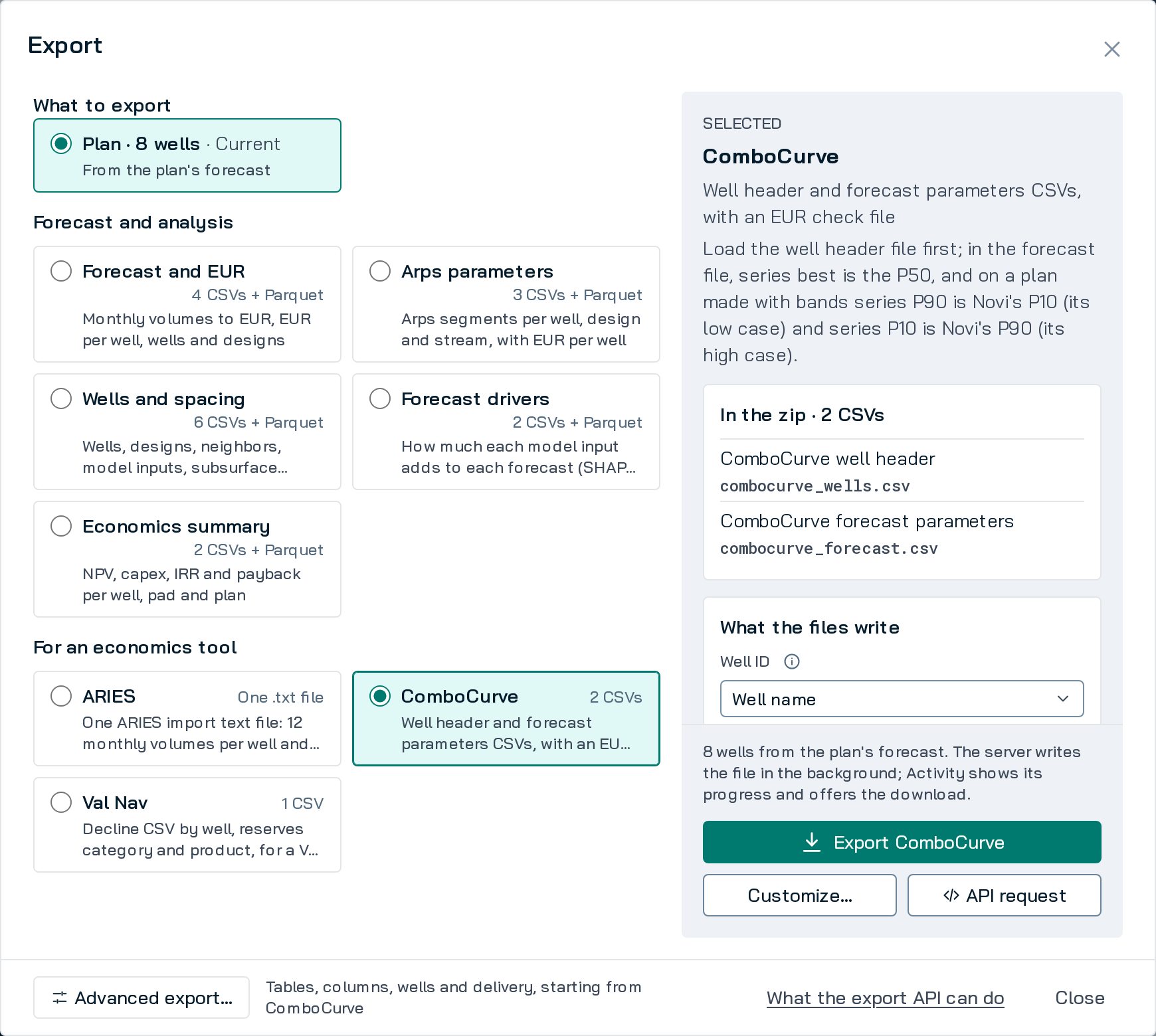
- ComboCurve:
eur_check.csvgives each curve’s EUR as ComboCurve will sum it, beside Novi’s. ComboCurve names P-series by exceedance, so Low (P10) is written as seriesP90and High (P90) asP10. - Val Nav:
reserves_categoriessets the reserves category each P-level writes. - ARIES: don’t send
parquet: true. identitysets each well’s Well ID and start date.identity.well_id: "uid"writes thewell_uidthatGET /plans/{id}/curvesgives, so plans with the same well names don’t collide.- These files carry no scenario: a plan with two or more needs
scenarioto pick one.
Other sources
Section titled “Other sources”source.wellsforecasts and exports wells you send in one job, up tolimits.max_source_wellsforecasts (500 by default).source.comparisonexports a comparison of two plans, or of a plan and a booked forecast source.- A Legacy Forecast1 exports like a plan, without neighbors, model inputs, subsurface, SHAP, economics, the
presets that need them, or ARIES.
GET /export-formats?plan=<id>gives each reason.
Limits
Section titled “Limits”| Limit | Default | Past it |
|---|---|---|
| Exports queued or running, per model set | 20 | Start more once one finishes |
| Exports queued or running, per plan | 3 | Start more once one finishes |
How long a file is kept (limits.) |
24 hours, less when export storage (limits.) fills; the oldest go first |
Run the export again |
| Request body | 10 MB | Send less |
GET /export-formats limits reports your host’s values. Error codes: Errors and limits.
Callbacks Planned
Section titled “Callbacks ”Notices to your own https receiver when an export or plan finishes are not available yet: GET /export-formats
callbacks.enabled is false and callback_url is not accepted. Use wait=25.
Footnotes
Section titled “Footnotes”-
Legacy Forecasts are dynamic imports from Forecast Engine v1. ↩